Where Cursor User Rules Are Stored—and Why Recovery May Fail
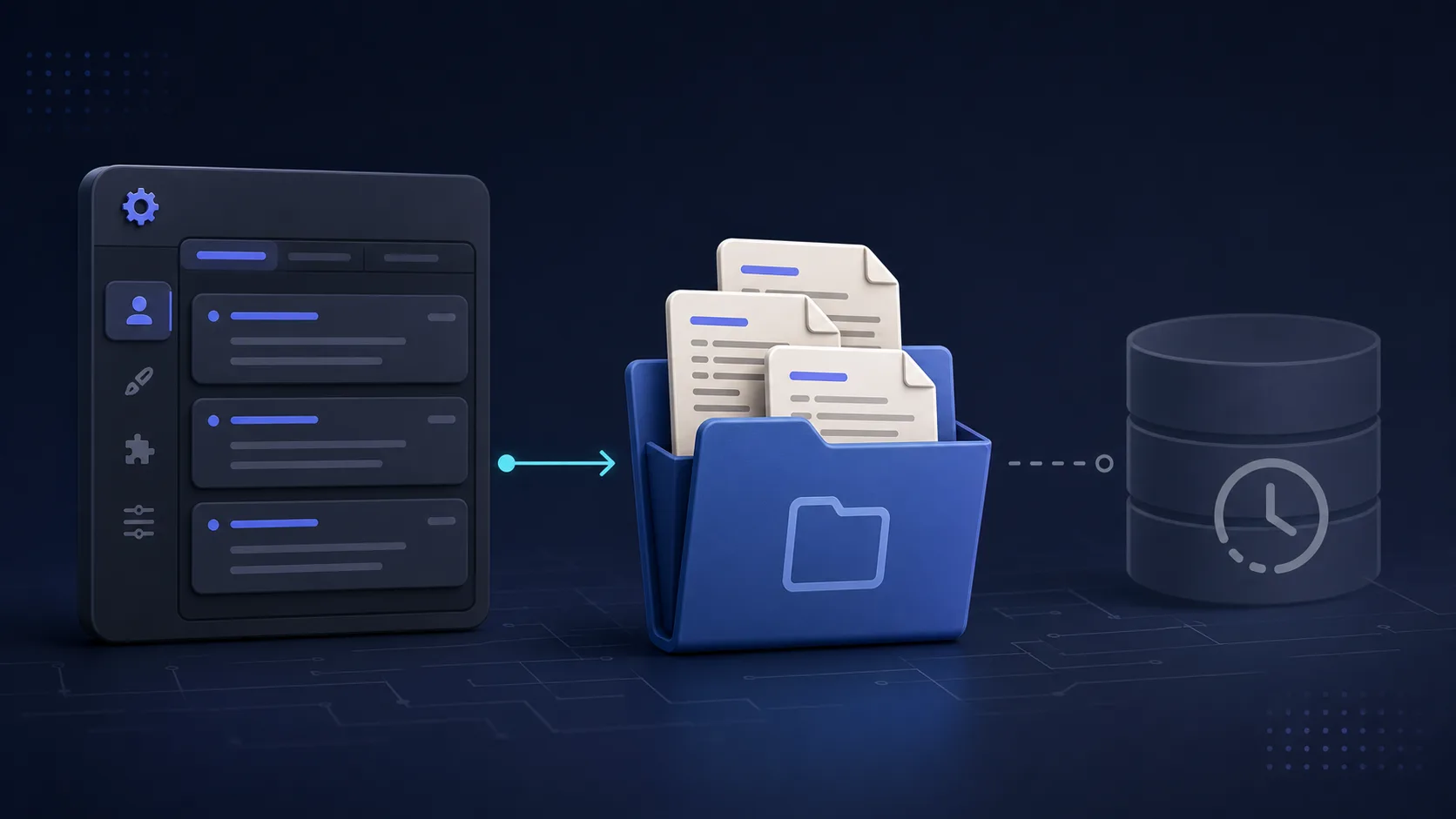
Cursor now has several kinds of rules, and they are not stored in the same place:
- User Rules are managed in Cursor Settings → Rules and apply across projects.
- Project Rules are files in your repository’s
.cursor/rules/directory. - A root-level
.cursorrulesfile is the older, deprecated project format. - The legacy SQLite value described in older versions of this article may be empty in current Cursor builds.
If your rules disappeared, check the settings and project files first. Treat the SQLite method as a last attempt for rules created by an older Cursor version—not as a guaranteed recovery method.
Verified July 31, 2026: On Cursor 3.10.11 for macOS, the legacy key
aicontext.personalContextexisted instate.vscdbbut its value was empty. Cursor’s current documentation defines User Rules through Settings and Project Rules through.cursor/rules/.
Quick recovery checklist
- Open Cursor Settings → Rules and check User Rules.
- Check the project for
.cursor/rules/*.mdcor other rule files. - Check Git history, another clone, or a teammate’s clone for deleted project rules.
- If the missing text came from an older Cursor version, back up
state.vscdband inspect only the legacy key. - If the key is absent or empty, stop: the database does not contain a recoverable copy at that location.
Current rule locations
User Rules
Cursor’s official documentation says User Rules are plain text defined in Cursor Settings → Rules. They are global to your Cursor environment and apply to all projects.
Cursor does not document the SQLite database as a supported backup or recovery interface. Do not rely on internal storage as your only copy of important instructions.
Project Rules
Project Rules belong in the repository:
your-project/
└── .cursor/
    └── rules/
        ├── main.mdc
        └── testing.mdc
Because these are normal project files, Git is the safest recovery path:
git log --all -- .cursor/rules
git status --short -- .cursor/rules
To inspect a deleted file from a known commit without changing your worktree:
git show COMMIT_SHA:.cursor/rules/main.mdc
Legacy .cursorrules
Older projects may have one .cursorrules file in the repository root. Cursor still recognizes it, but the official documentation marks it as deprecated in favor of .cursor/rules.
Safely check the legacy SQLite database
Close Cursor before copying or querying its database. Work from a backup whenever possible.
macOS
The legacy state database is normally:
~/Library/Application Support/Cursor/User/globalStorage/state.vscdb
Create a timestamped backup:
cp "$HOME/Library/Application Support/Cursor/User/globalStorage/state.vscdb" \
  "$HOME/Desktop/cursor-state-$(date +%Y%m%d-%H%M%S).vscdb"
Check whether the old key exists and whether it contains any bytes:
sqlite3 "$HOME/Library/Application Support/Cursor/User/globalStorage/state.vscdb" \
  "SELECT key, length(value)
   FROM ItemTable
   WHERE key = 'aicontext.personalContext';"
Possible results:
- No row: that database has no legacy value at this key.
- A row ending in
|0: the key exists but the value is empty. - A positive length: an older value may still be present.
Only when the reported length is positive, read that one value:
sqlite3 "$HOME/Library/Application Support/Cursor/User/globalStorage/state.vscdb" \
  "SELECT value
   FROM ItemTable
   WHERE key = 'aicontext.personalContext';"
Windows
The corresponding database is normally:
%APPDATA%\Cursor\User\globalStorage\state.vscdb
Back it up before querying it. Then use:
sqlite3 "$env:APPDATA\Cursor\User\globalStorage\state.vscdb" `
  "SELECT key, length(value) FROM ItemTable WHERE key = 'aicontext.personalContext';"
Cursor’s current documentation describes macOS, Linux, and Windows project rules the same way: repository-scoped rules live in .cursor/rules. The SQLite path is an implementation detail and can change.
If the database result is empty
An empty result does not mean the query failed. It means this database cannot restore the old text from that key.
Try these sources instead:
- Cursor Settings → Rules
- Git history for
.cursor/rulesor.cursorrules - another machine or Cursor profile you control
- filesystem backups such as Time Machine or Windows File History
- a private dotfiles repository, if you previously exported the rules
Do not search random database keys and publish the output. Cursor’s state database can contain unrelated application data.
Prevent the next loss
Use repository files for project instructions and version them with the code. For global preferences, keep a private backup outside Cursor that contains no secrets.
git add .cursor/rules
git commit -m "Track Cursor project rules"
Good rules should contain development guidance—not API keys, tokens, passwords, customer data, or other secrets.
For the next layer of the workflow, see the 2026 AI coding model decision guide and the guide to cost-efficient AI code generation with context engineering. You can also browse the curated Cursor guides and AI engineering guides.
References
Current behavior and links were checked on July 31, 2026. Internal Cursor storage may change in later releases.